
English原文:本指南暂无您所选语言的译本。
What can MST AI Engineer do today — and what is still being built?
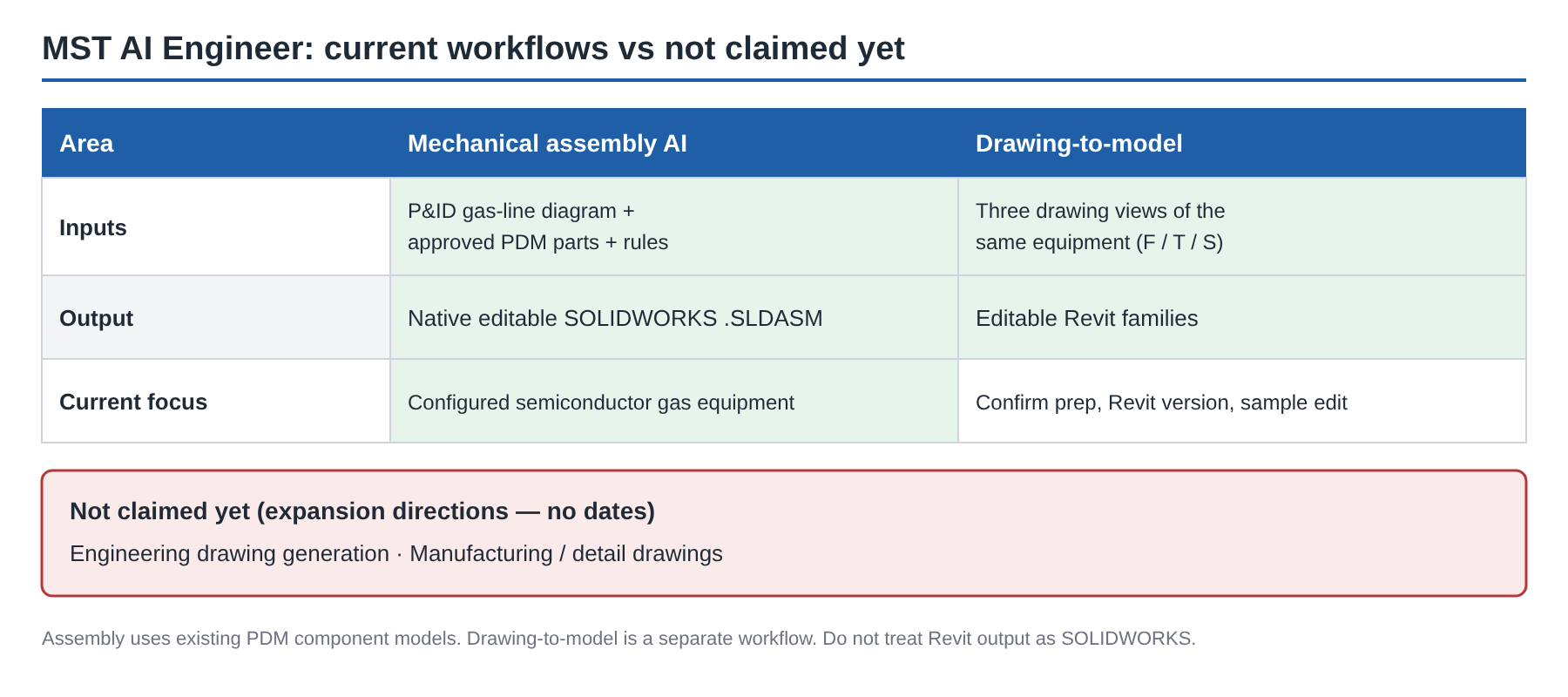
Short answer: two current workflows, kept separate. Mechanical assembly AI produces a native SOLIDWORKS assembly. Drawing-to-model produces editable Revit families from three views. Engineering drawing generation and manufacturing/detail drawings are expansion directions — not current claims, and no dates.
Two workflows, two outputs
| Workflow | Inputs | Output | Notes |
|---|---|---|---|
| Mechanical assembly AI | Gas-line P&ID + approved PDM parts + equipment rules | Native editable .SLDASM | Current focus: configured semiconductor gas equipment |
| Drawing-to-model | Front, top, side drawings of the same equipment | Editable Revit families | Separate from assembly that uses existing PDM models |
Agree drawing preparation, Revit version and an example edit during evaluation. Parameter-driven geometry, family types and connectors are additional requirements to confirm during evaluation ([product page](https://mst-us.ai/product/)).
Which path fits your job?
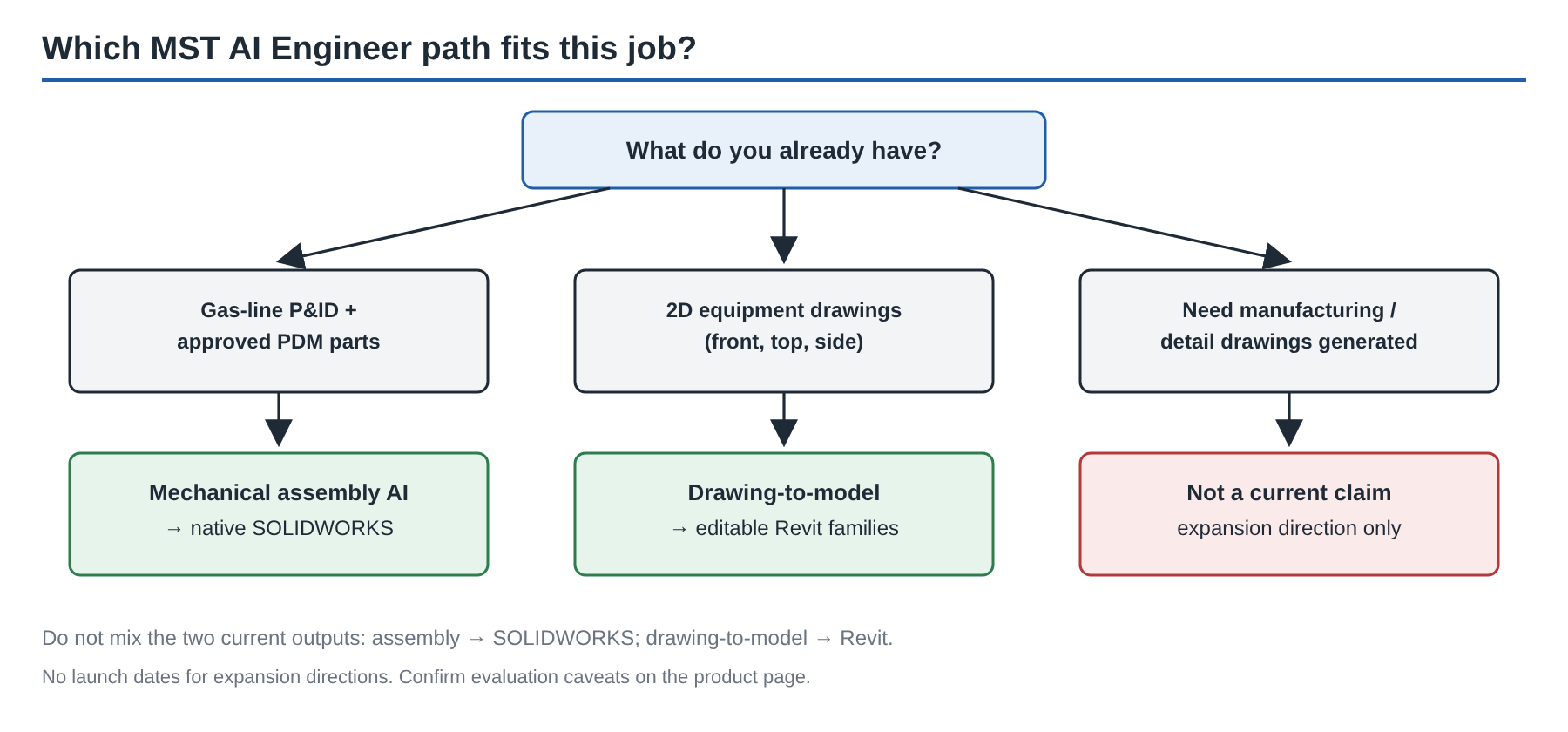
- I have a gas-line P&ID and approved parts → mechanical assembly AI → SOLIDWORKS.
- I have existing 2D equipment drawings (three views) → drawing-to-model → Revit.
- I need manufacturing drawings generated → not a current claim.
What assembly AI actually does
P&ID gas-line diagram + approved PDM parts + equipment rules → native, editable SOLIDWORKS assembly, starting with semiconductor gas equipment.
1. Recover intent from the P&ID; build a directed engineering graph.
2. Bind customer PDM identity, revision and interfaces.
3. Couple layout (part choice, XYZ, orientation, interfaces, envelope) with routing (ports, paths, fittings, bends, keep-outs, continuity).
4. Compile the assembly plan; execute and read back in SOLIDWORKS.
5. Engineer inspects, edits and releases. Unverified items stay explicit.
Hard constraints include interfaces, collision, bend rules, access, mounting and safety. Declared objectives (customer-approved) can include smaller envelope, shorter routes, fewer fittings and lower complexity. "Optimized" means selected against those approved objectives — not a universal global optimum.
Cloud account or private deployment. New equipment categories need their own configured libraries, rules and validation. Free tools (Drawing to BOM, BOM Compare, DrawingDiff) sit beside these workflows; they are helpers, not the main offer.
---
Evaluating for a gas-equipment or Revit family workflow? [Request a team trial](https://mst-us.ai/contact/) with a short, non-confidential description of one representative task.